For macOS · Apple Silicon
You lead,
the text follows.
Point, speak, continue. HOVERWRITE keeps the page moving with you.
Morning light leans through the kitchen window. The room feels patient. I wait for the kettle before I move.
Apple Silicon · macOS 13+ · launching soon
Three ways to point
The cursor knows what you mean.
Sentence, word, or paragraph — the target follows where you look. There is no select-then-do. Pointing is the instruction.
When morning light leans through the kitchen window, the room feels patient. I always wait for the kettle to start its whistle before I move.
Sentence
Hover any sentence to make it the target.
When morning light leans through the kitchen window, the room feels patient.
Word
Hover the line gap below a sentence to target the nearest word.
When morning light leans through the kitchen window, the room feels patient. I always wait for the kettle to start its whistle before I move.
Paragraph
Hover the left gutter to outline a whole paragraph.
The continuous loop
It listens while
you think.
No send button. No prompt box. Keep talking, keep refining — each pause is a small commit. The sentence catches up, and the next one is already listening.
We launched the beta on a Tuesday. The onboarding confused people, so they dropped off on the second screen. We are fixing it this week.
The editor
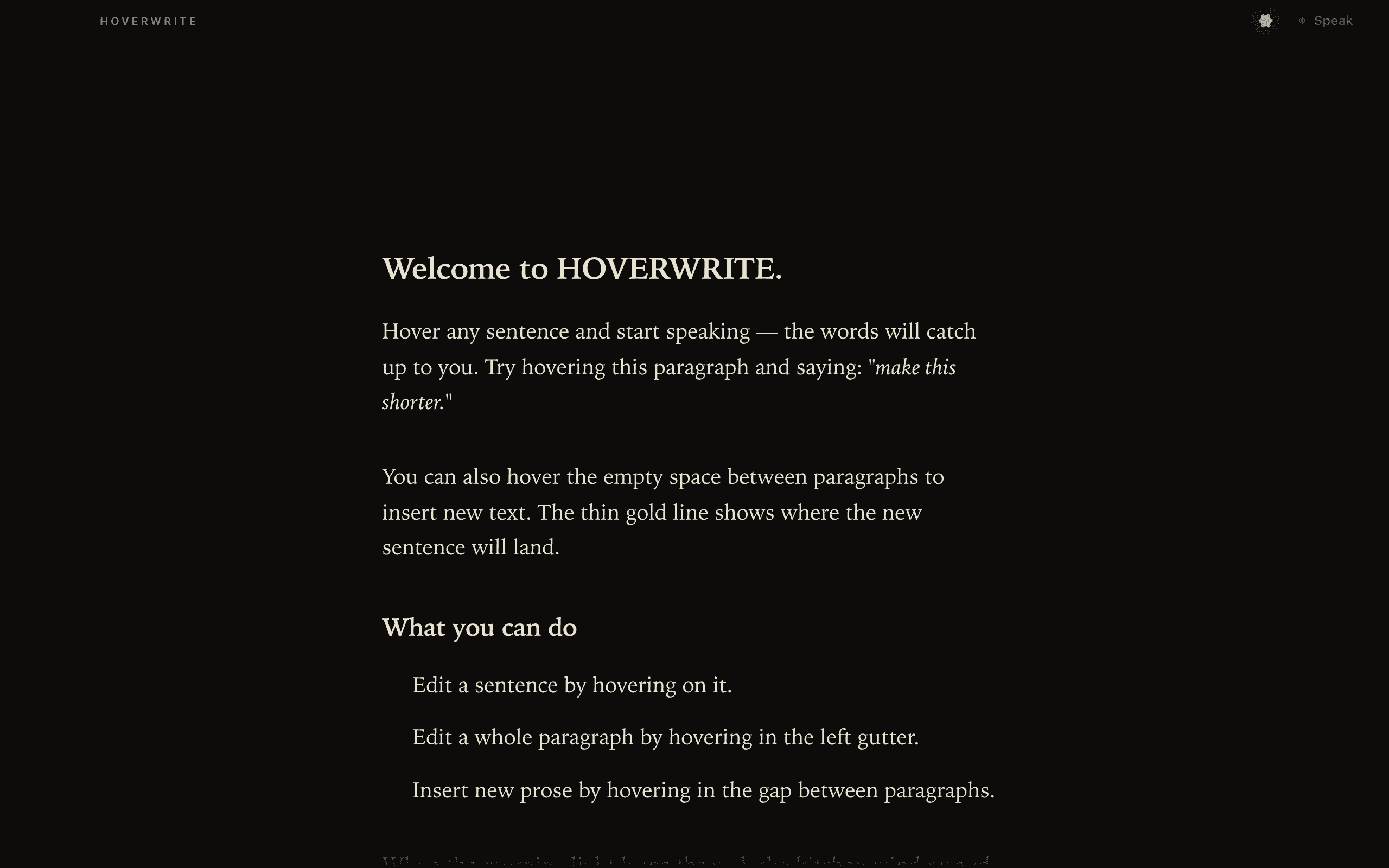
A page. A cursor. Your voice.
Private by design
We never
see a word.
HOVERWRITE has no servers and no telemetry. Your draft is sent only to Claude, through your own account — never to us. And if you’d rather your voice never leaves the Mac, switch transcription to on-device Whisper.
your Claude account · Deepgram or on-device Whisper
macOS today.
Windows and Linux next.
Apple Silicon · macOS 13+ · launching soon